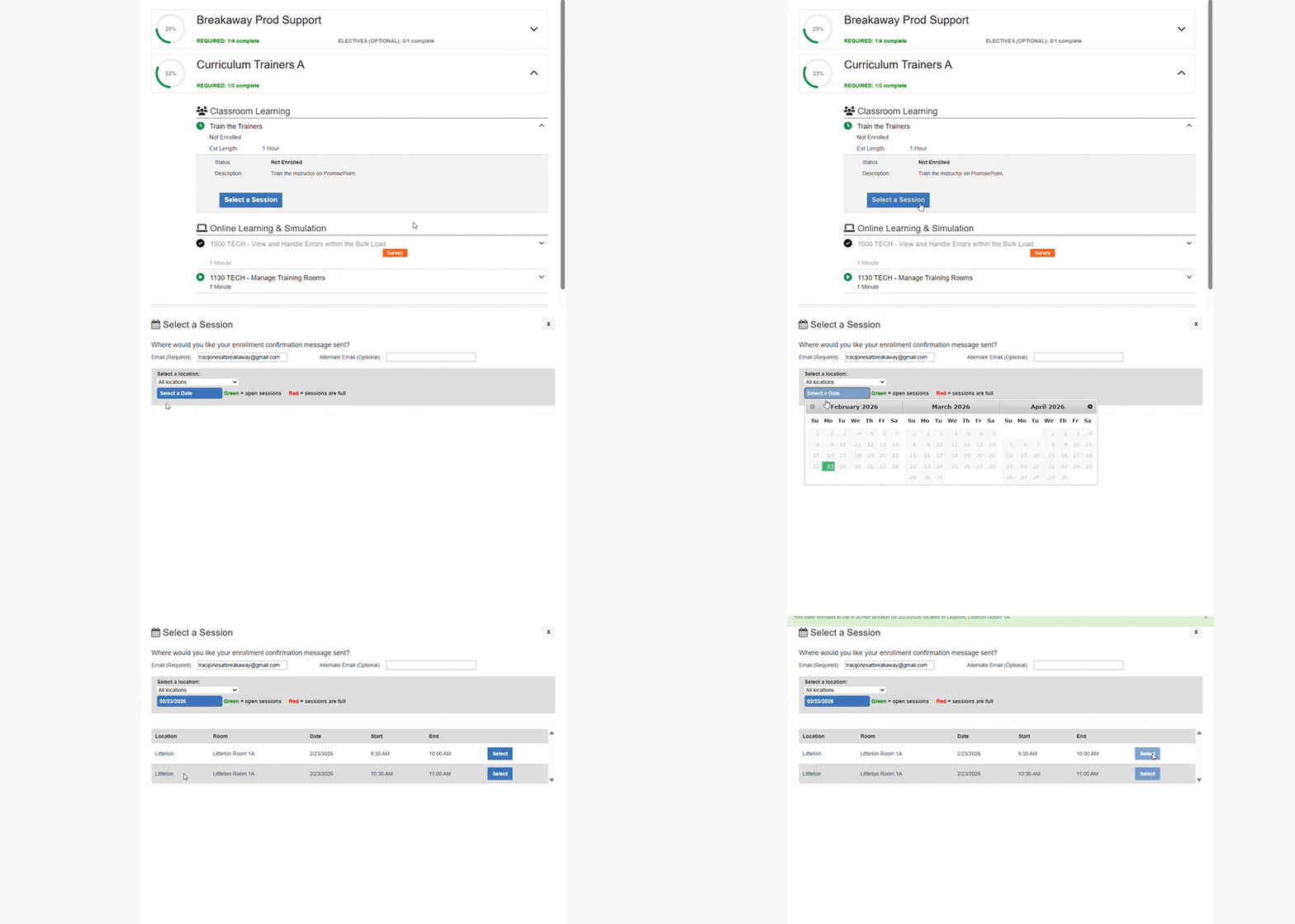


As a PromisePoint learner you can withdraw or enroll in a ILT assignment through PromisePoint.
Learn how to withdraw and enroll in a class session (ILT assignment) by accessing this short video:
Video: Manage enrollment in a class session
Or follow these quick steps:
- Log into Promisepoint
- Click on your learning (graduation cap at the top)
- Click My assignments
- Click on your curriculum
- Find and select, the class session you want to enroll or withdraw from
Here you can either:
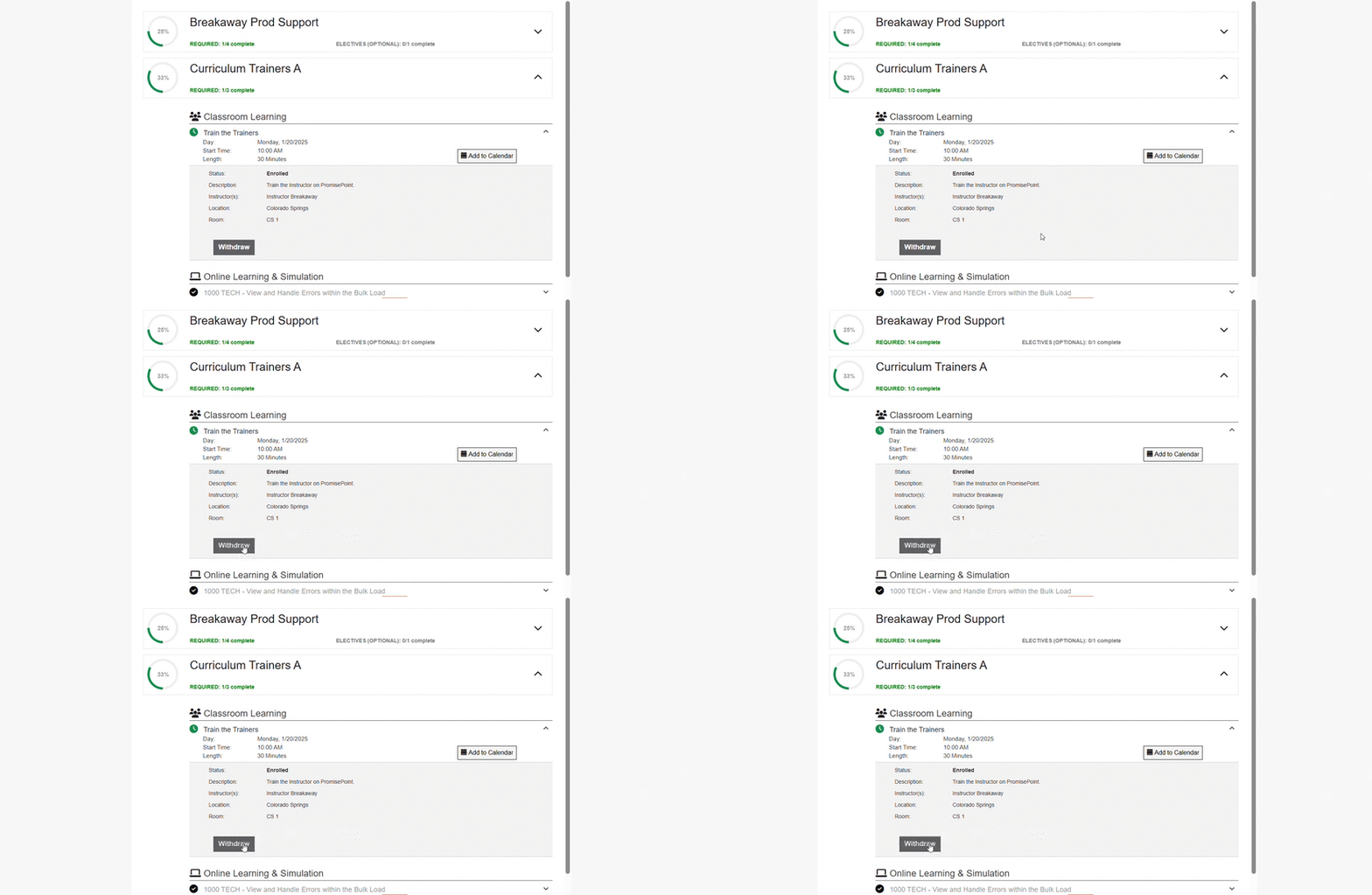
- click withdraw to withdraw from the session
- click select a session and enroll in an available time and day